








How to Use


あと払いについて
3回あと払い可能- No prior registration or credit card registration required.
- Purchase instantly with just your email address and mobile phone number.
- Payment is due by the 27th of the following month, via convenience store payment, bank transfer, or direct debit.
- Even if you make multiple purchases in a month, you only pay once the following month.
【ご利用の流れ】
① Select "Paidy (Pay Later)" as your payment method and enter your email address and mobile phone number.
② Enter the 4-digit verification code sent via SMS to complete your purchase.
③ You will receive an email or SMS notification of your payment amount between the 1st and 5th of the following month.
④ Please pay by the 27th of the following month via convenience store payment, bank transfer, or direct debit.
※If using direct debit, please register your bank account from the Paidy app or MyPaidy web version after completing your purchase.
【手数料について】
Bank transfer (direct debit): Free
Bank transfer (wire): Transfer fees vary by financial institution
Convenience store payment: Up to 390 yen (tax included)
【本人確認について】
By verifying your identity on the Paidy app, you can use convenient features such as interest-free 3-pay installments*, checking your available credit limit, and setting a budget to prevent overspending.
Download the Paidy app here:
App Store
Google Play Store
*Free only for bank transfer and direct debit.
**Available only for purchases of 3,000 yen or more.


分割払いについて
分割手数料無料可能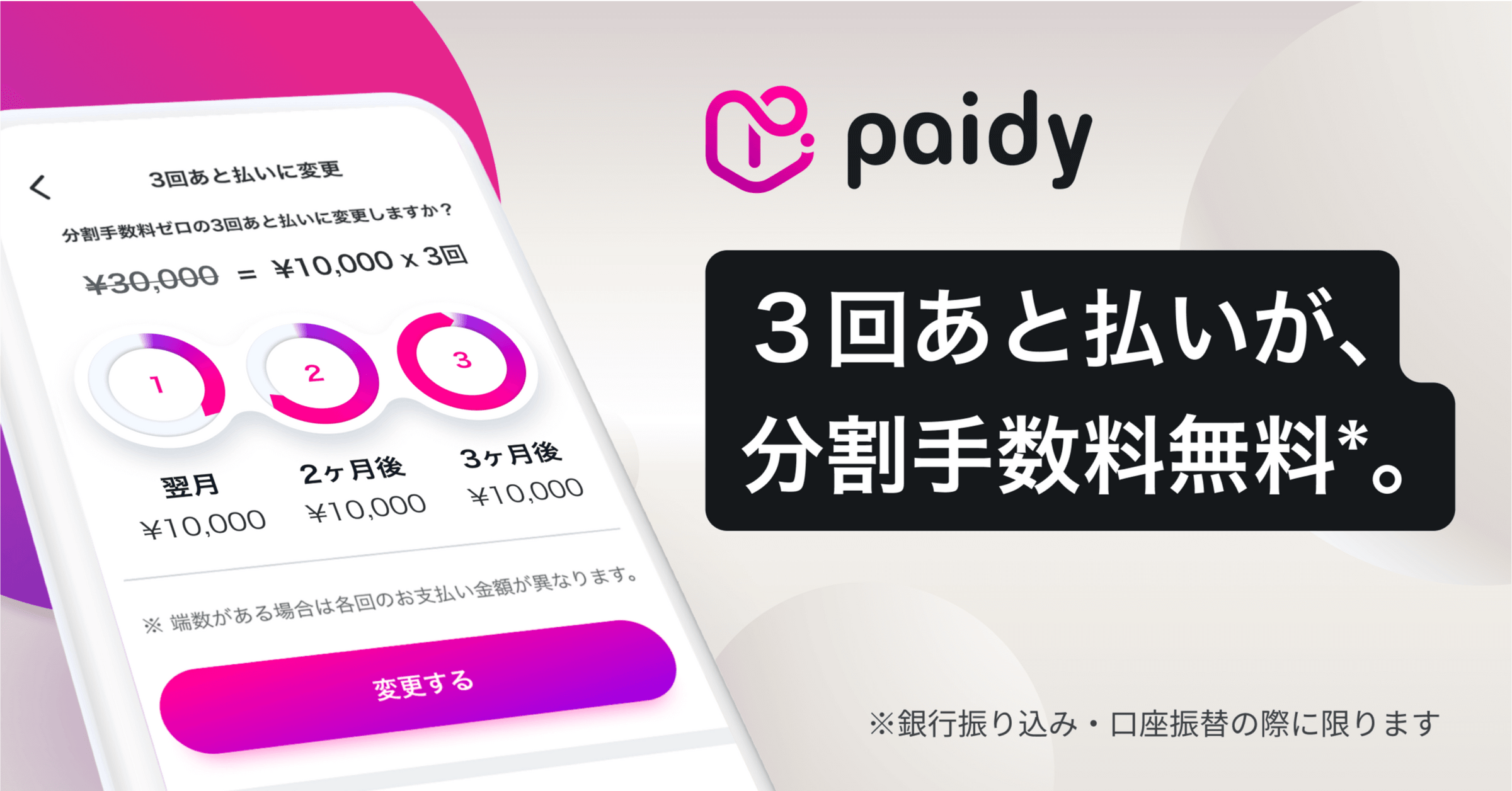
Verify your identity through the Paidy app and upgrade to "Paidy Plus" for free to use "3-Pay Later," which allows you to pay your purchase amount in three installments with no installment fees.
How to change to installment payments
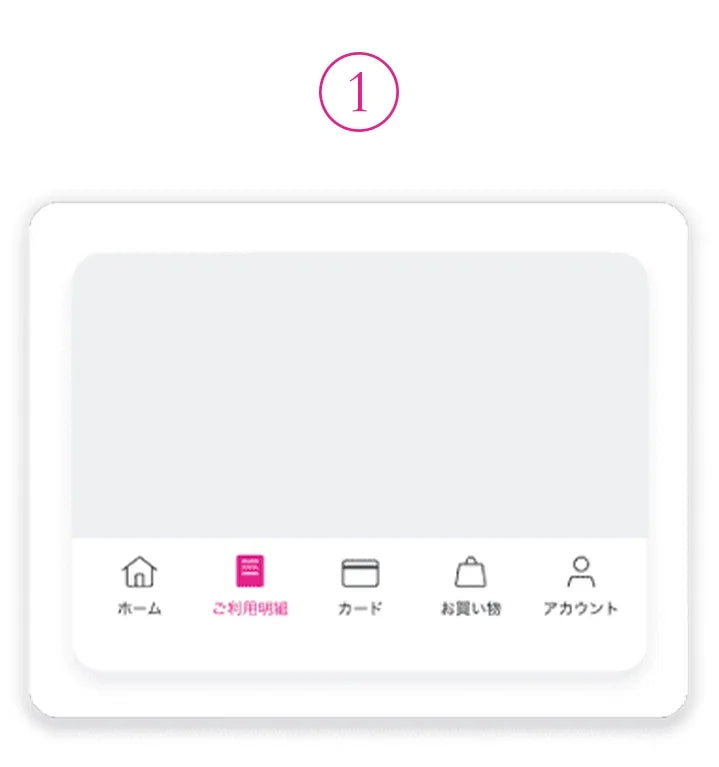
STEP 1
Tap "Usage History"
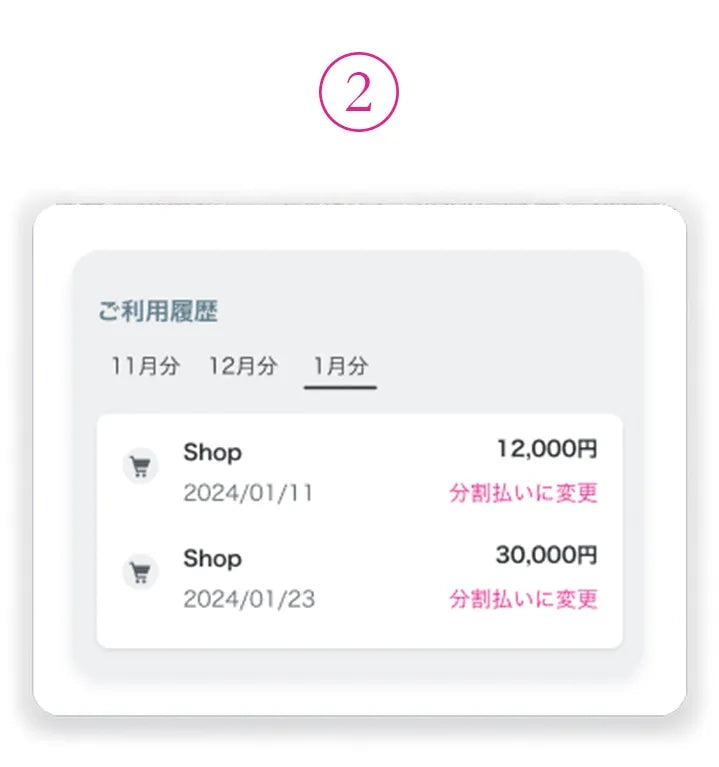
STEP 2
Tap "Change to installments"
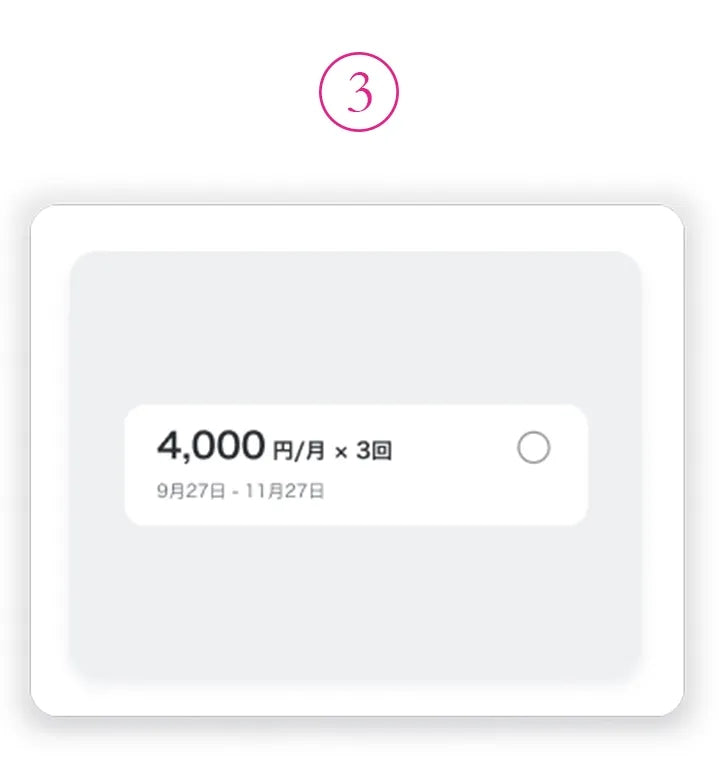
STEP 3
Select your desired installment plan and confirm
Refunds
When ISOLE issues a refund, the refund process will automatically be reflected in your Paidy account. You can check the reflected information in the Paidy app and on the web version of MyPaidy under "Usage Details > Refunds."
Please note that Paidy does not send notifications to customers, so please be sure to check the "Refunds" section.
*For more details about refunds from Paidy, please refer to Paidy official information.
【注意事項】
*Paidy will handle billing and billing-related communications for payments made via Paidy deferred payment.
*If you have any issues with your Paidy payment, please contact Paidy customer service directly.
【Paidyカスタマサービス】
TEL: 0120-971-918 (24 hours)
Inquiries: Inquiry Form (Paidy Users)
Customer reviews
View all